
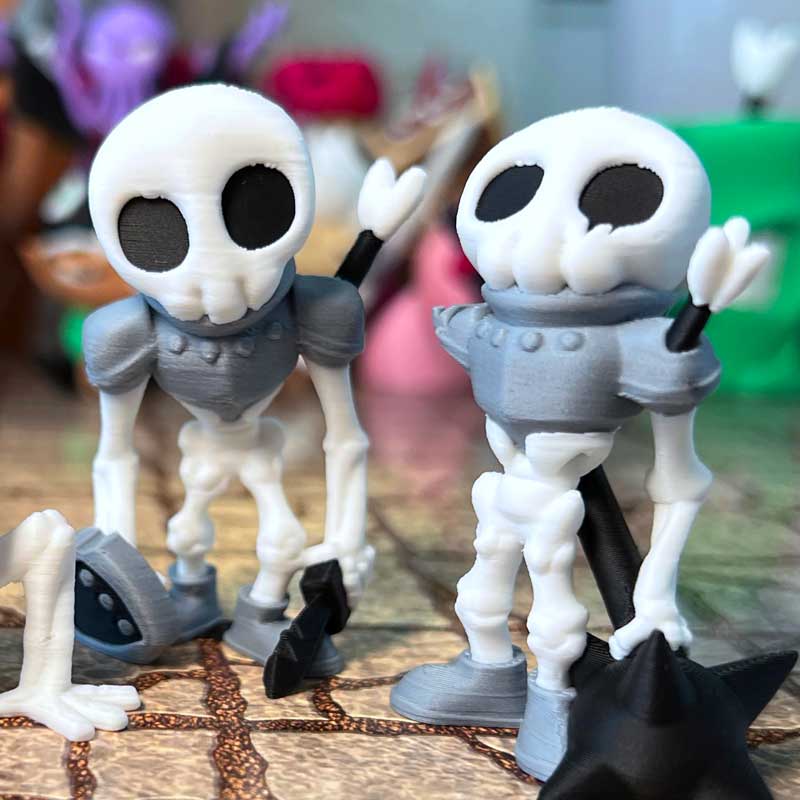
You can have the perfect model, the perfect printer and the perfect settings… and still end up with a spaghetti monster if the first layer doesn’t stick.
For miniature printing, two of the first things I’d check when something starts going wrong are: Bed adhesion & Filament condition.
Neither is particularly exciting, but both can completely ruin an otherwise good print.
Start With the Build Plate
Good bed adhesion is critical for miniatures. They often have relatively small contact areas compared to their height, so once the print gets taller, there’s more leverage trying to pull or knock the model loose.
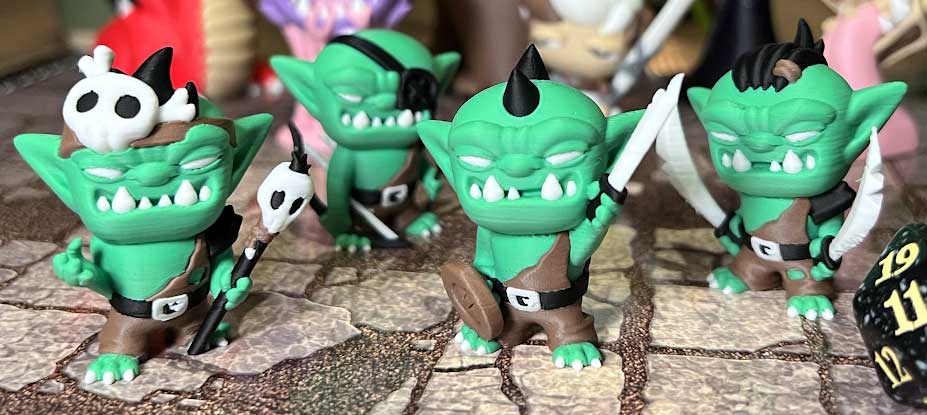
My basic routine is pretty simple:
- Don’t touch the build surface. Finger grease can affect adhesion.
- Keep the plate clean with IPA. I wipe mine with 99% isopropyl alcohol between prints.
- If that isn’t enough, wash the plate properly. Warm water and dish soap will remove grease and residue much more thoroughly.
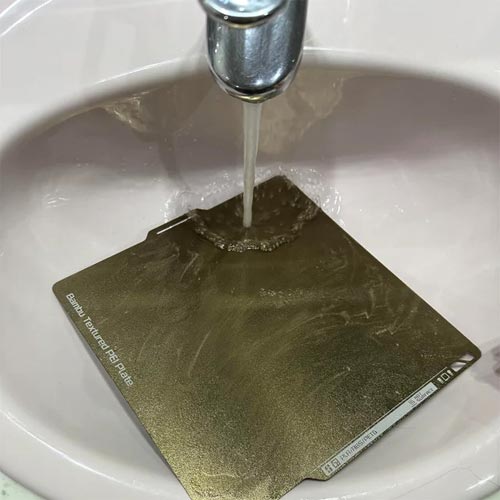
I’ve been cleaning my PEI plates with IPA for over a decade, and most of the time that’s all I need. If adhesion starts getting unreliable, that’s when I give the plate a proper wash and then return to the normal IPA routine.
Avoid Touching the Plate
This one sounds obvious, but it’s incredibly easy to forget. Every time you grab the print surface with your fingers, you’re potentially leaving oil behind.
You might not see it, but the printer definitely can. I try to handle the plate by the edges as much as possible. If you’re constantly taking it in and out, gloves can also help keep the actual print surface clean.
Sometimes the fix for a miniature that suddenly refuses to stick is genuinely just: Clean the plate. Before changing half your slicer settings, I’d try that first.
What About Glue and Scrapers?
I personally avoid both for PLA miniatures on PEI plates. With a clean plate and good adhesion, I don’t find glue necessary.
And for removing prints, I simply let the plate cool and flex it rather than attacking the surface with a scraper. The goal is to keep the build plate in good condition and avoid adding extra steps if they’re not actually needed.
What If a Miniature Is Too Top-Heavy?
Some minis are simply harder to keep attached. A large monster, wide weapon or heavy upper body can put more stress on a relatively small footprint.
For stubborn models, a few things can help:
- Add a brim
- Rotate the miniature 90°
- Try a grippier build plate, such as the Bambu Cool Plate SuperTack
That 90° rotation sounds almost too simple, but orientation can matter when the printer is rapidly moving the bed back and forth. Sometimes changing the direction the miniature faces is enough to make the print more stable.
If Adhesion Looks Fine, Check the Filament
The next thing I’d look at is the filament. PLA slowly absorbs moisture from the air over time.
If it gets too wet, it can cause:
- Stringing
- Poor surface quality
- Inconsistent extrusion
- Popping during extrusion
- Weaker prints
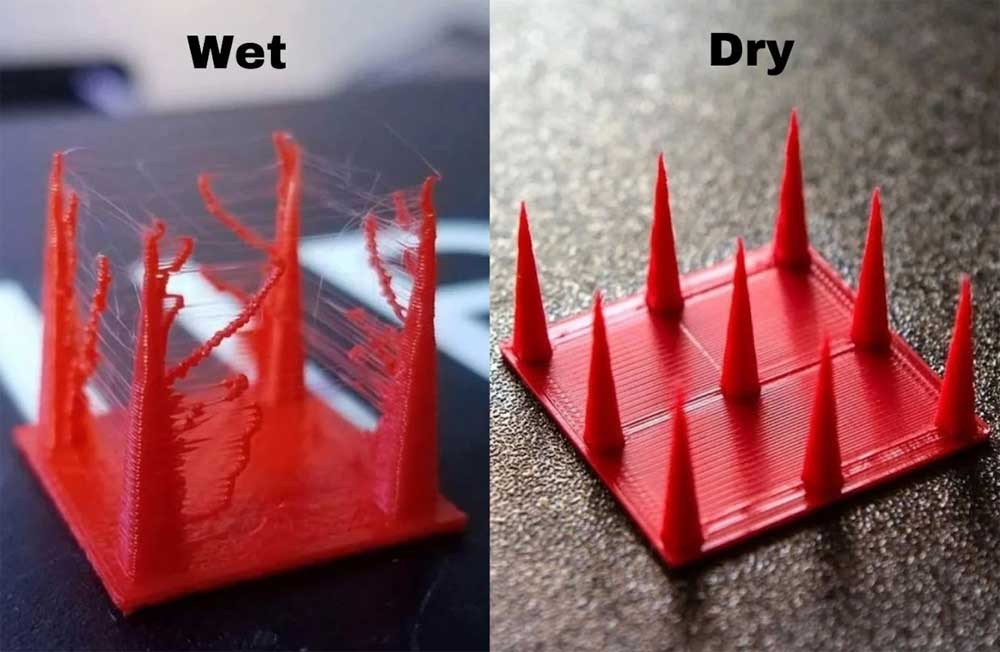
Some of those symptoms can look like printer or slicer problems at first. So if a machine that normally prints well suddenly starts producing messy surfaces or excessive stringing, it’s worth asking how long that spool has been sitting out.
How I Store My Filament
You don’t necessarily need an elaborate filament-storage system. I use cereal containers with silica packs. That’s basically it. The important thing is keeping filament sealed and dry when you’re not using it.
If you live somewhere humid or leave spools exposed for long periods, filament storage becomes even more important. A perfectly tuned printer still can’t make damp filament behave like dry filament.
Don’t Immediately Start Changing Everything
This is probably the biggest practical point I’d make. When a print fails, it’s tempting to start changing temperatures, speeds, layer heights, flow rates and ten other settings at once.
But if the same printer, same profile and same model were working fine before, I’d start with the simple physical things first:
- Is the build plate clean?
- Is the filament dry?
- Is the miniature securely attached?
Those are much easier to rule out before diving into slicer settings. And changing five settings at once usually just makes it harder to figure out what actually fixed the problem.
What If One Mini Fails During a Batch?
If you’re printing several objects at once on a Bambu printer and one of them fails, you may not need to cancel the entire job. The Skip Object feature lets you tell the printer to stop printing a specific failed model while continuing with the remaining objects on the plate.
This is especially useful for long multicolor batches. If one miniature comes loose halfway through a 12-hour print, sacrificing that one model is a lot better than throwing away everything else that’s still printing correctly.
My Basic Troubleshooting Order
If one of my miniature prints starts going wrong, I’d work through things roughly in this order:
- Check the build plate
- Clean it with IPA
- Wash it with dish soap and warm water if necessary
- Check whether the miniature needs a brim or different orientation
- Check the filament for moisture
- Only then start digging deeper into printer or slicer settings
That won’t diagnose every possible 3D printing problem. But it covers the things I’d want to rule out first before making the problem more complicated than it needs to be.
Final Thoughts
Failed prints are frustrating, especially when they happen several hours into a miniature. But sometimes the cause is surprisingly boring. A greasy build plate. Damp filament. A top-heavy model that needed a little more stability. So before completely rebuilding your print profile, start with the basics.
Keep the plate clean. Keep the filament dry. Make sure the miniature is securely attached. Then start looking for more complicated problems.
If the basics all look good and you do need to dig into your print profile, check out my à Best FDM Miniature Settings: My Complete Setup guide.